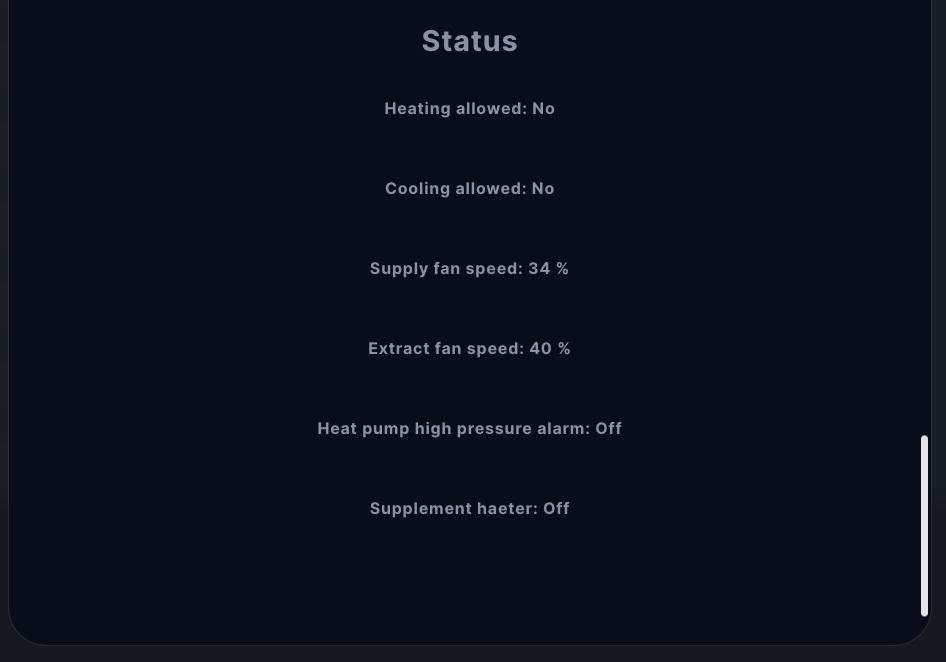
User Interface
Assuming that the correct license key has been successfully specified as the value of the corresponding variable in the QuickApp, 9 childApps have now been created under the original main QuickApp.
User levels
You may have noticed that some device names are suffixed with Admin, Guest or User. This indicates which of the three user levels is recommended for the given Child QuickApp. Based on these, you can decide which users you give which intervention options, that is, which QuickApps will be visible to which users. Each level (Guest, User, Admin) gives increasing privileges, so everything is available at higher levels that was available at lower levels. Therefore, for example, in a single user configuration, the Admin level is sufficient, the others can be hidden.
Subsystems
The monitoring and settings of the heat pump have been divided into 3 main units:
- Main: everything that belongs comprehensively to all units. The Main QuickApp is already visible after installing the QuickApp, while the following Child Apps become available after entering the correct license key.
- DHW: domestic hot water production settings and monitoring scaled to three different user levels.
- HPS: geothermal and air-to-air heat pump unit settings and monitoring scaled to three different user levels.
- Ventilation: air conditioning, heat exchanger and vetillation settings scaled to three different user levels.
Disabling subsystems
In the Main App, the creation of the above Child Apps can be disabled in the “Disabled subsystems” dropdown menu. Any Child Apps selected here will not be created after entering the license key, which can be useful if the heat pump does not include a particular subsystem, or if a certain user level is not needed at all.
Main App
Here you can find general information about QuickApp itself and your HVAC, including version number and licensing status. You can also find the information here required for getting a license key if you have not yet purchased one.
HVAC
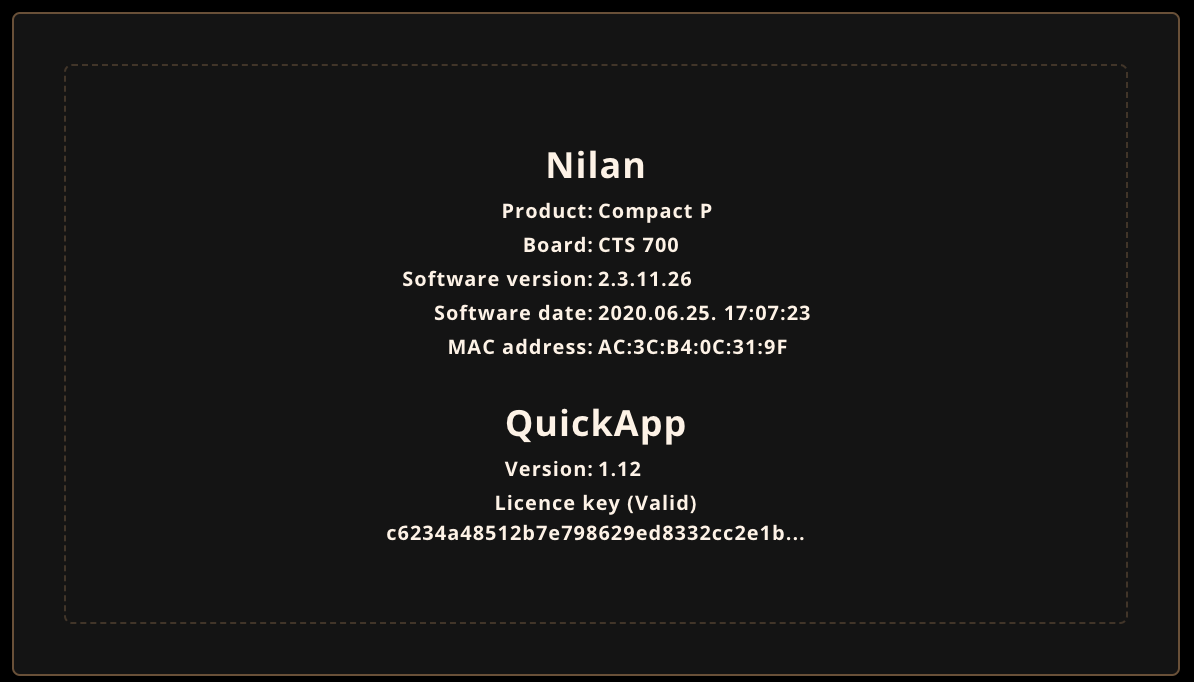
Gateway
The address and port of your Nilan HVAC unit.
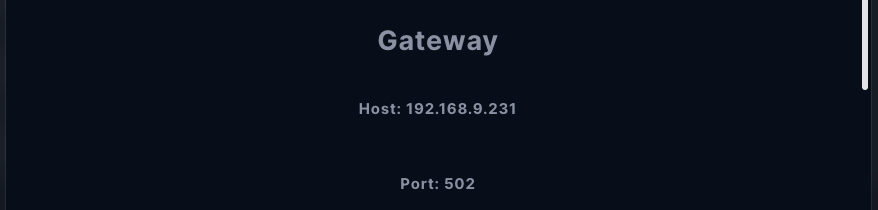
QuickApp
Here you can see the App version, your HomeCenter Serial Number, the active license key and it’s validity. Here you can disable subsystems you don’t need.
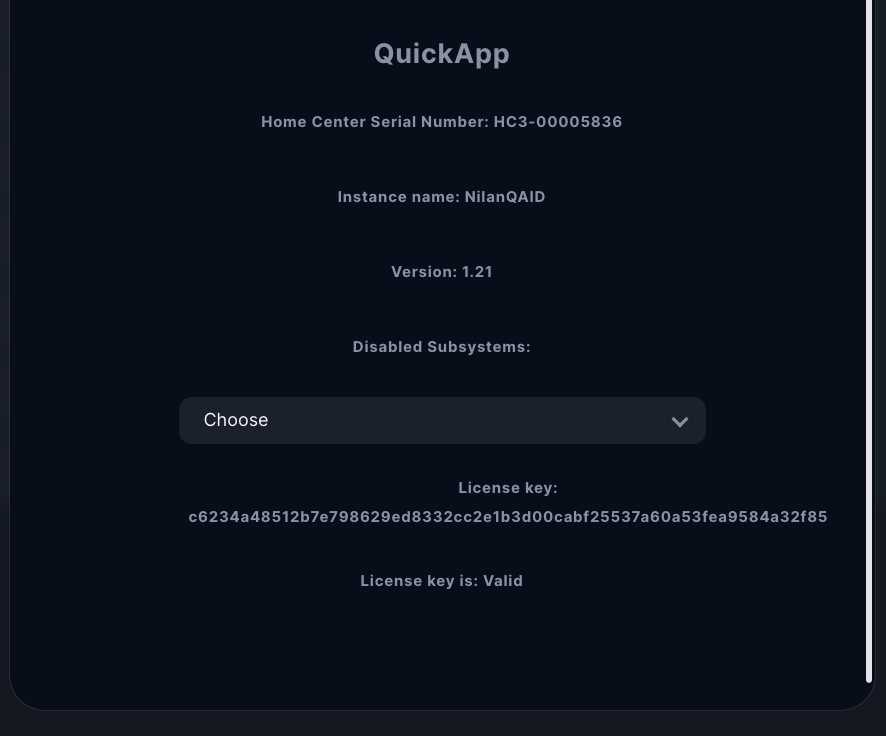
Domestic Hot Water (DHW)
General
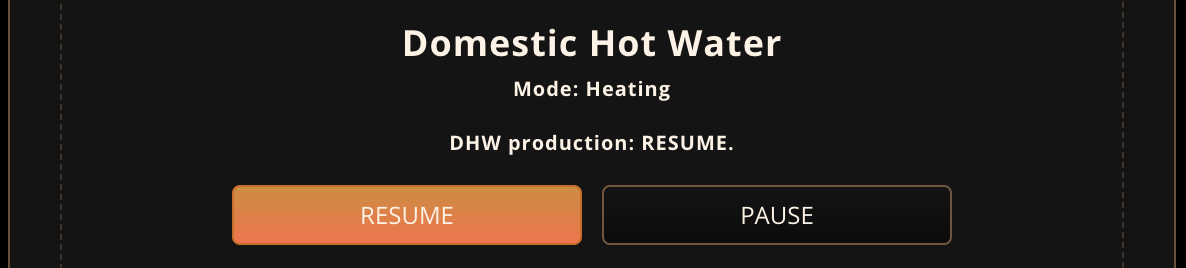
Tank sensors

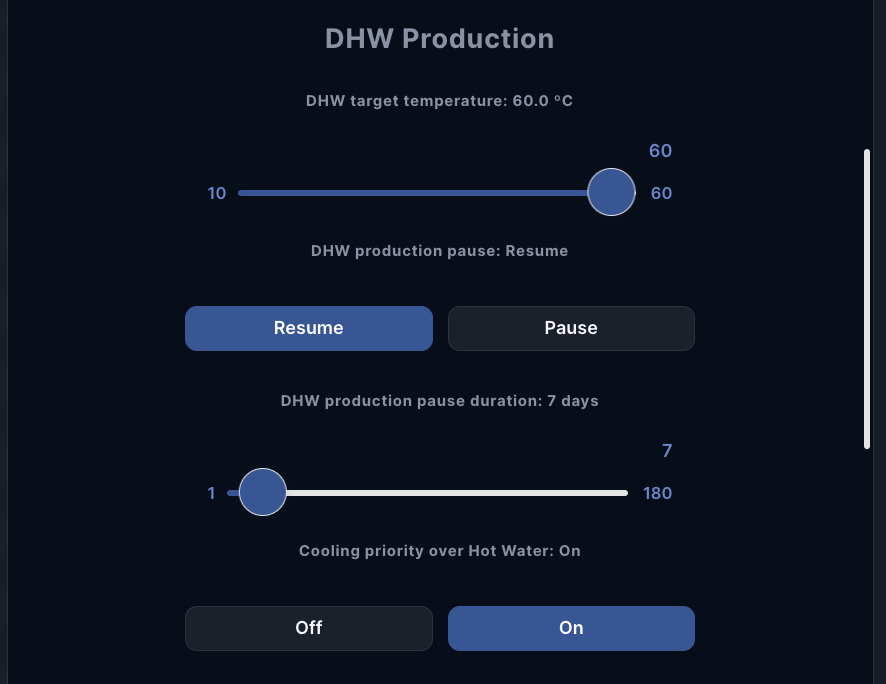
DHW Production
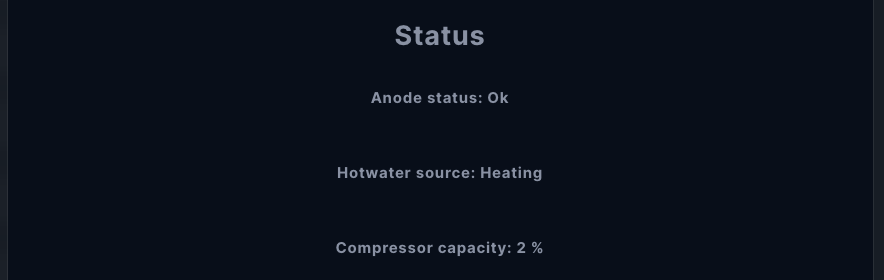
Status
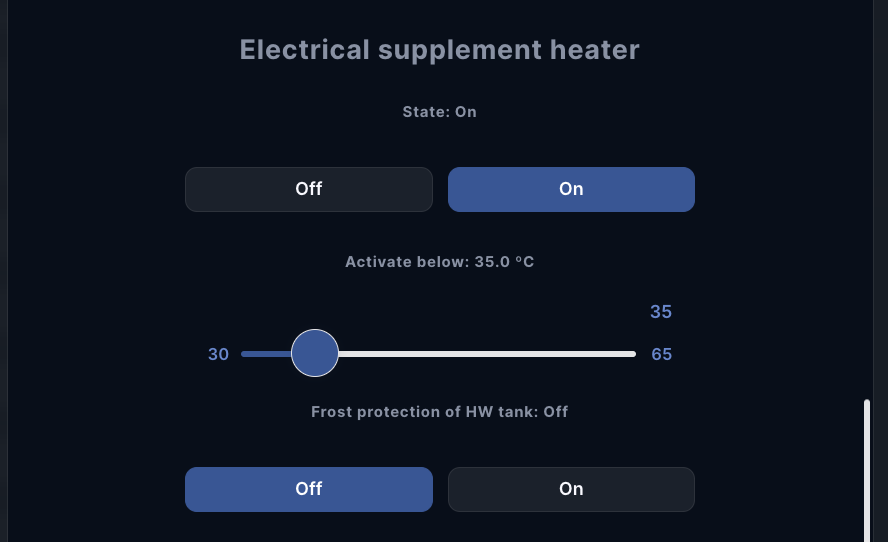
Electrical supplement heater
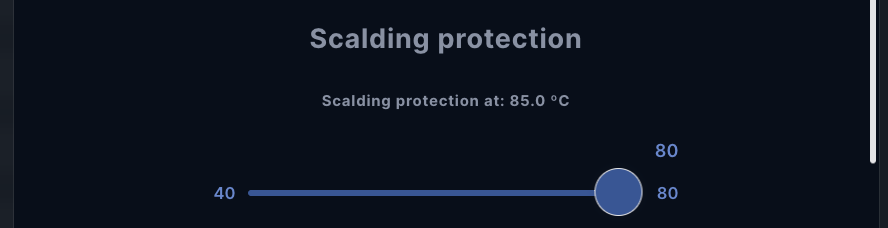
Scalding protection
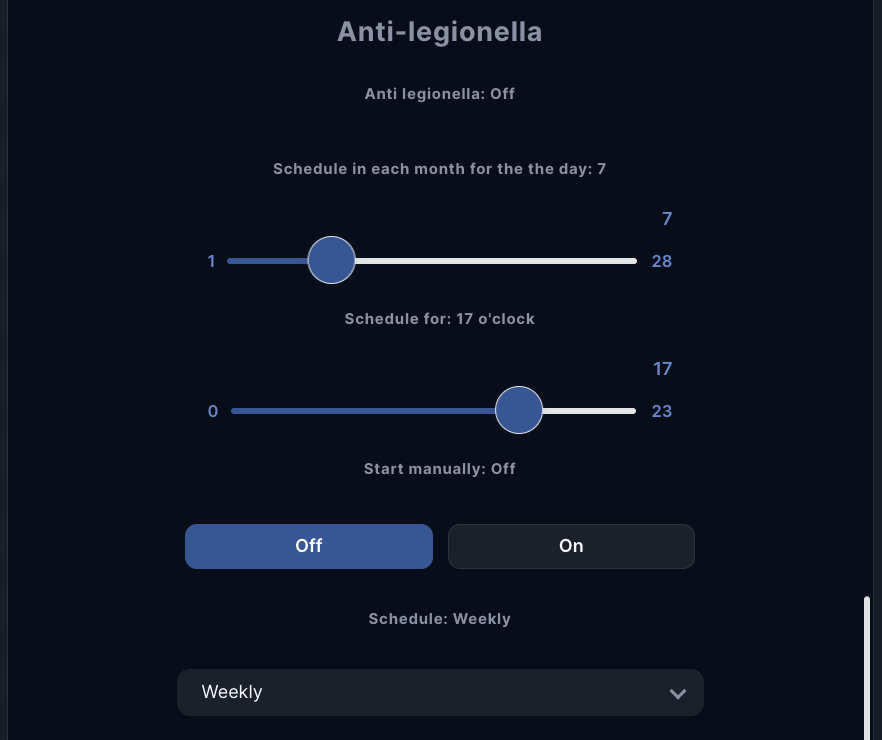
Anti-legionella
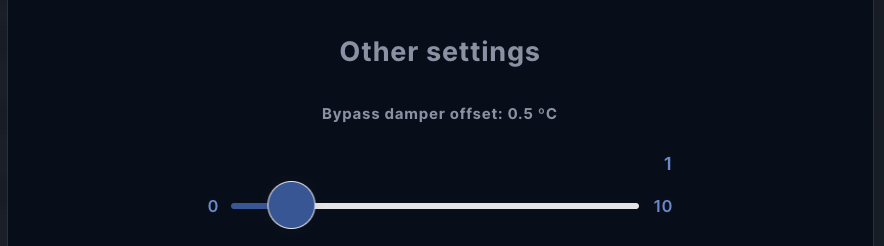
Other settings
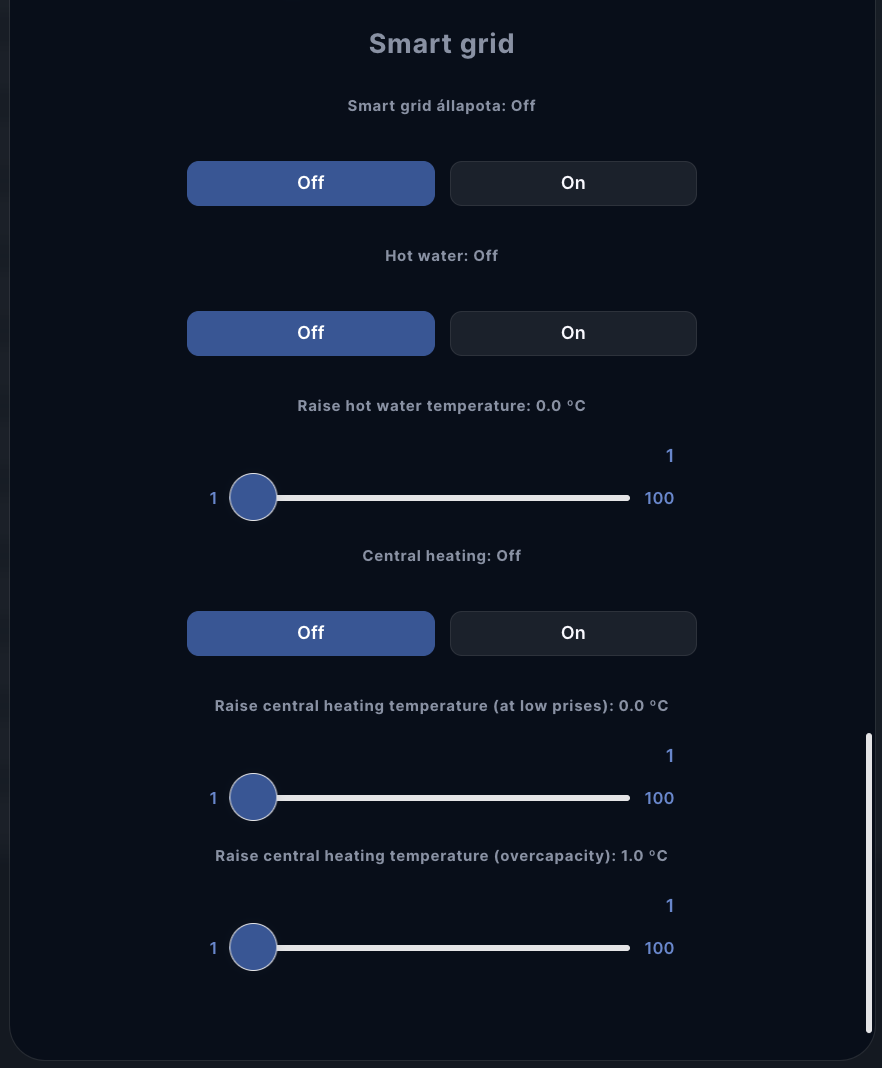
Smart grid
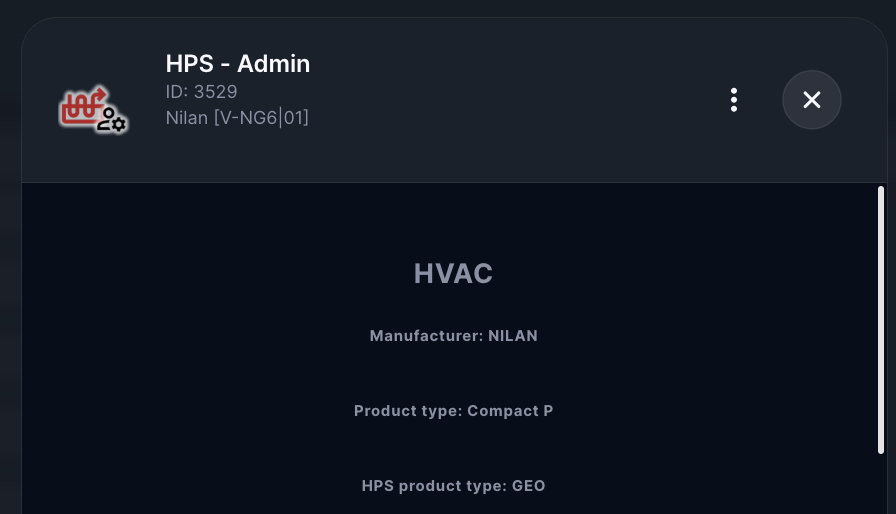
Heat Pump System (HPS)
General
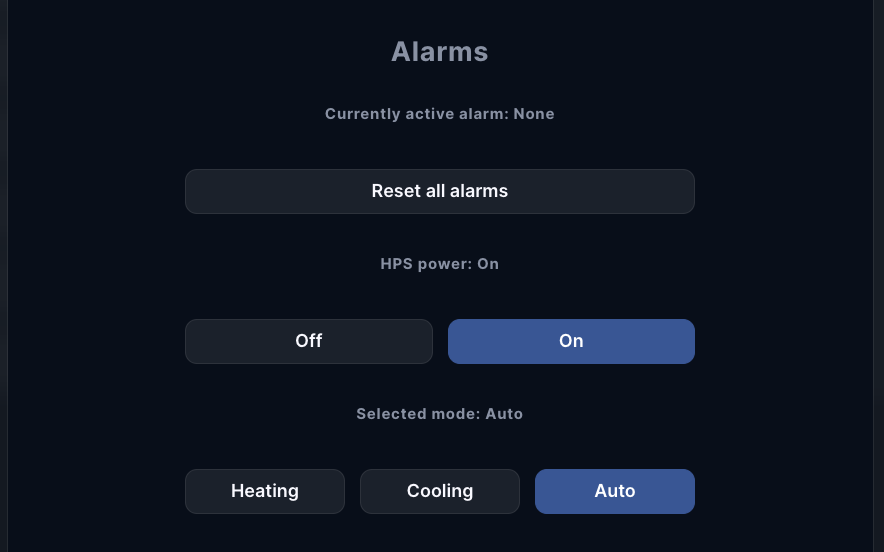
Alarms
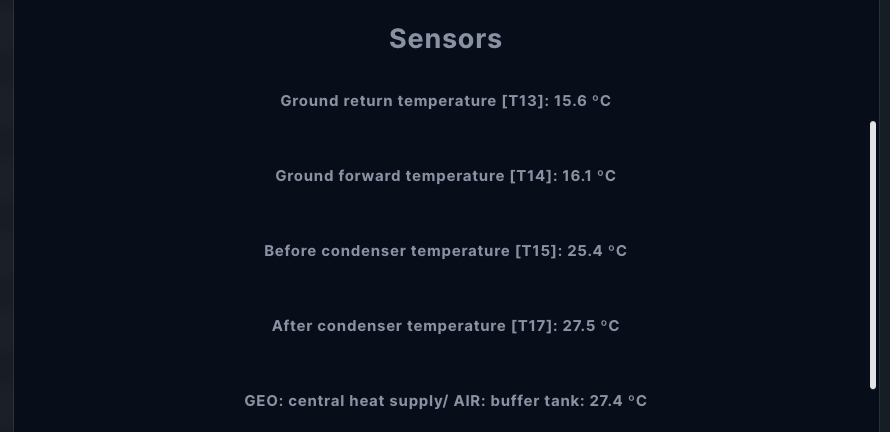
Sensors
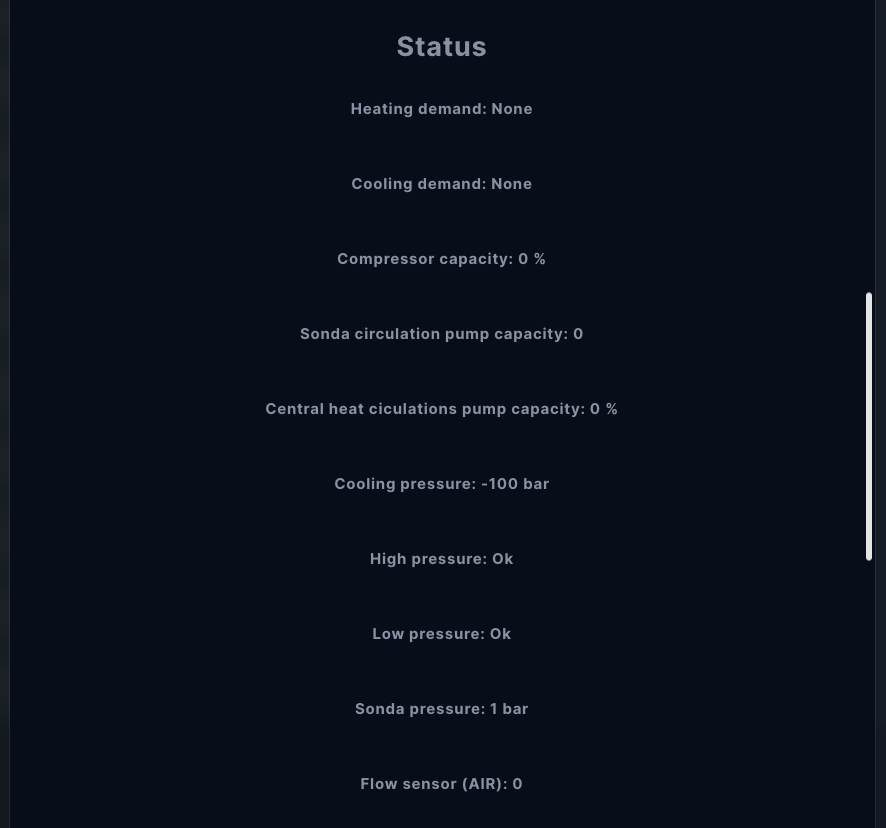
Status
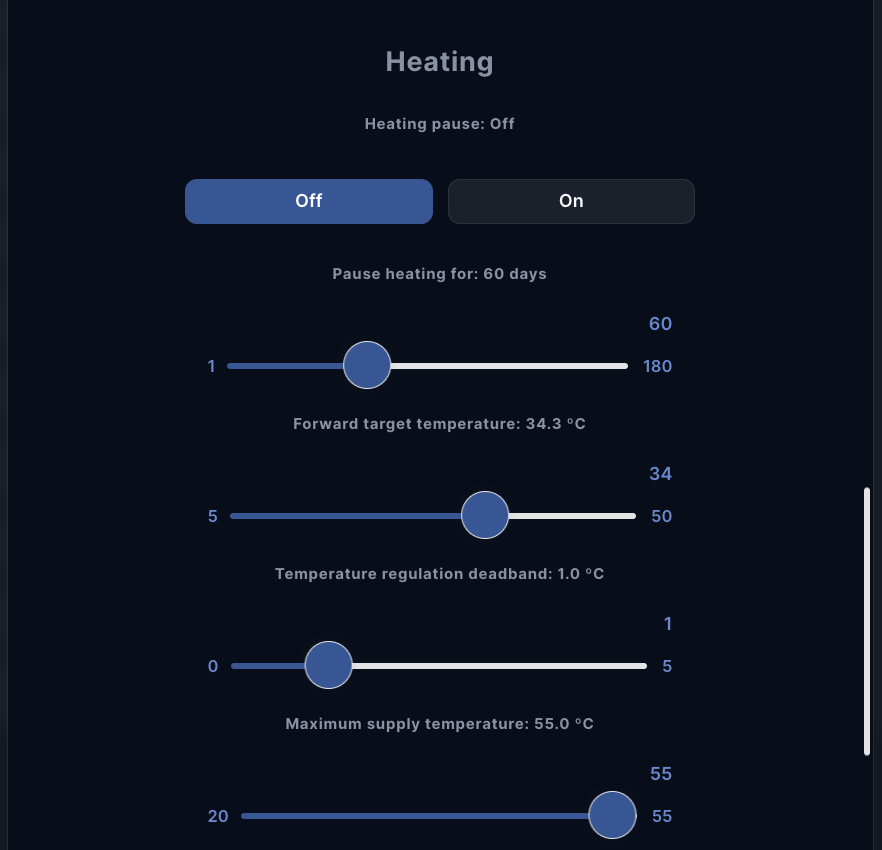
Heating
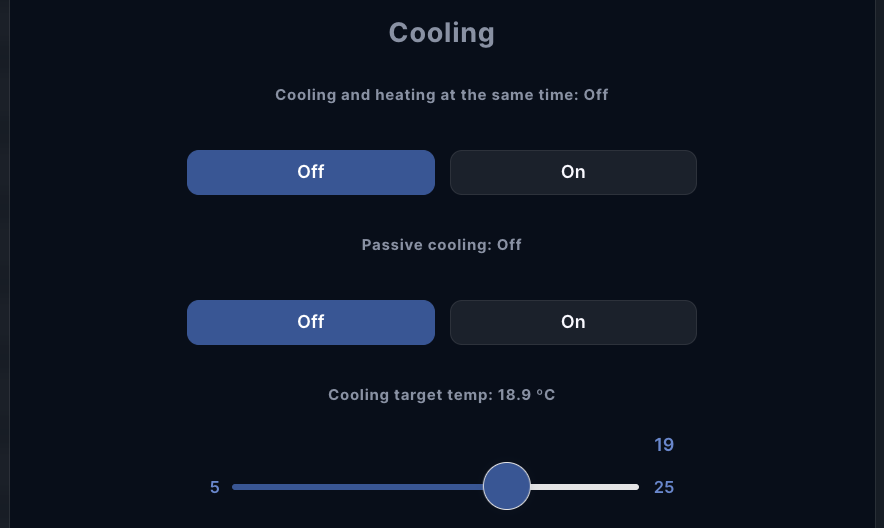
Cooling
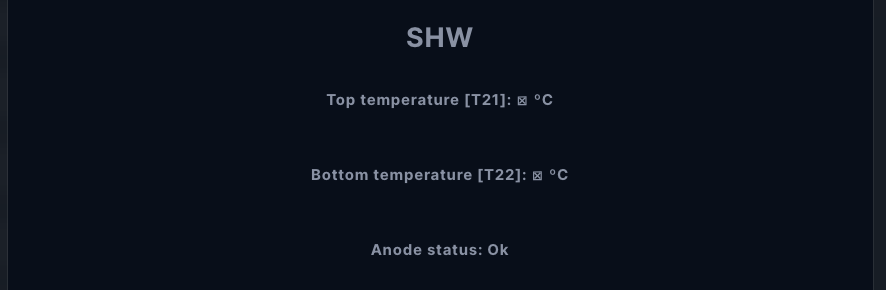
SHW
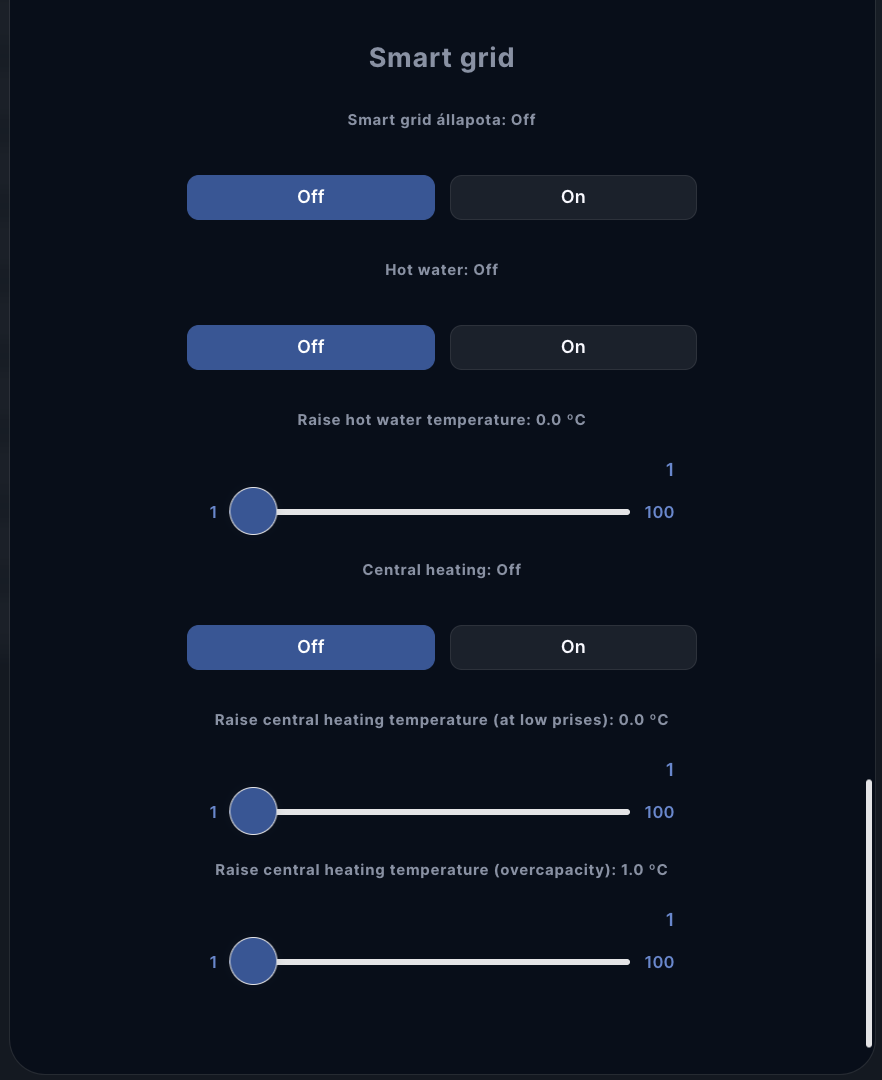
Smart Grid
Ventilation (Air Conditioning)
General

Alarms
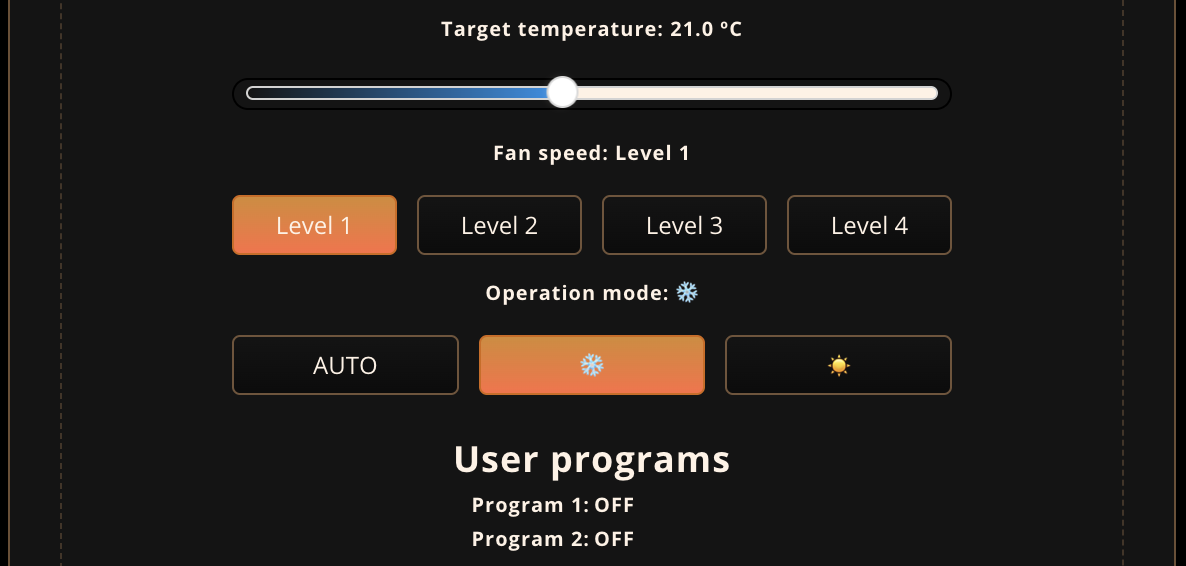
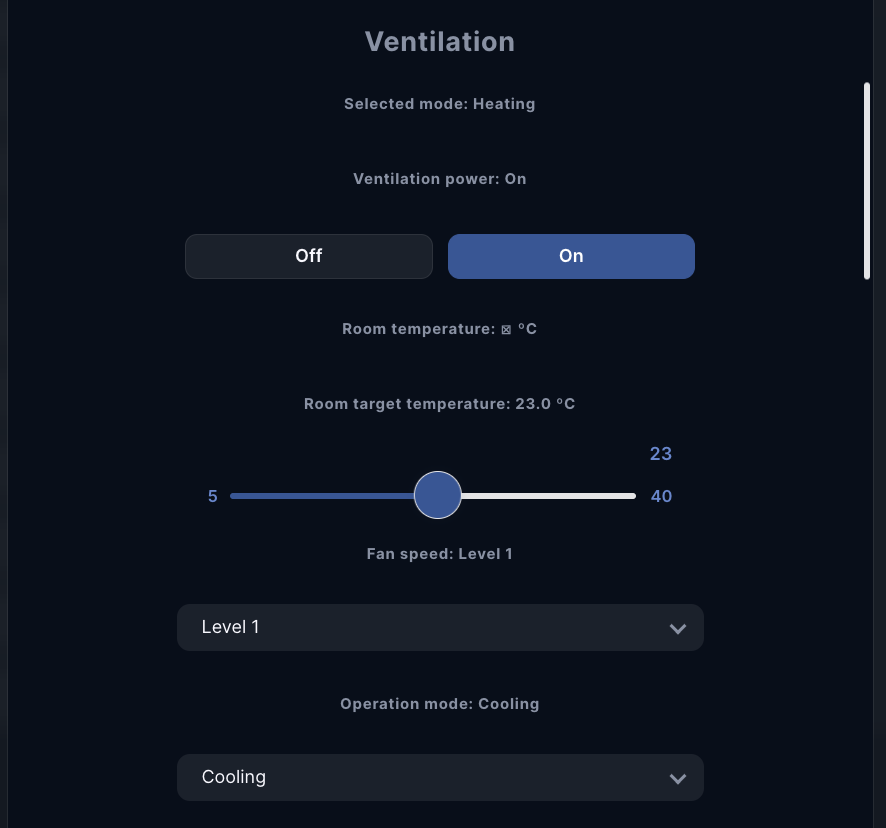
Ventilation
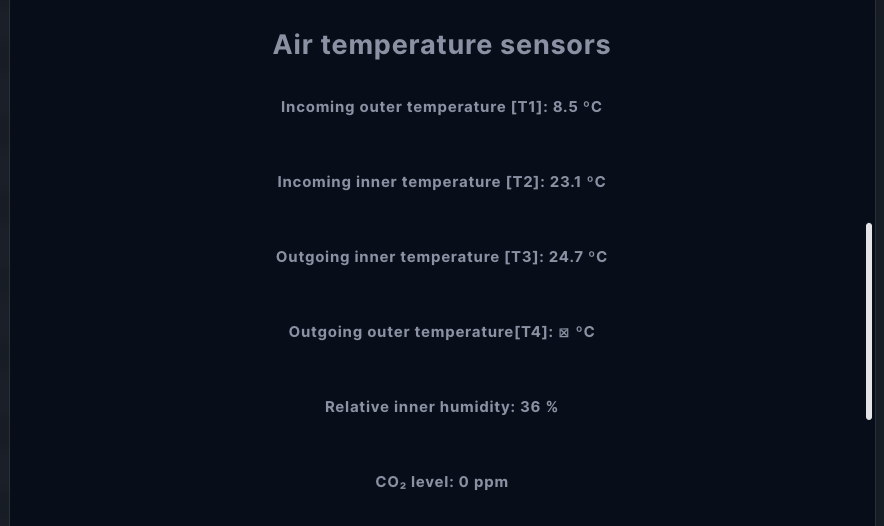
Air temperature sensors
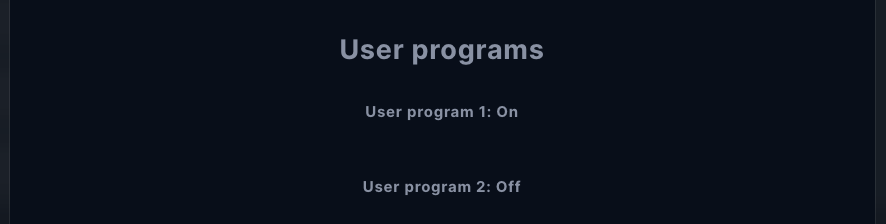
User programs
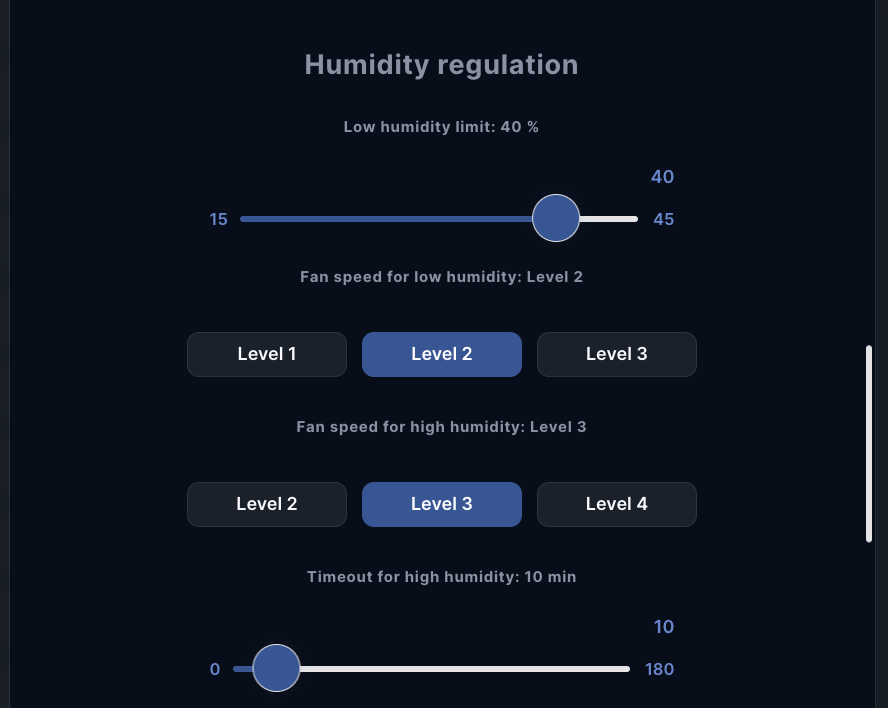
Humidity regulation
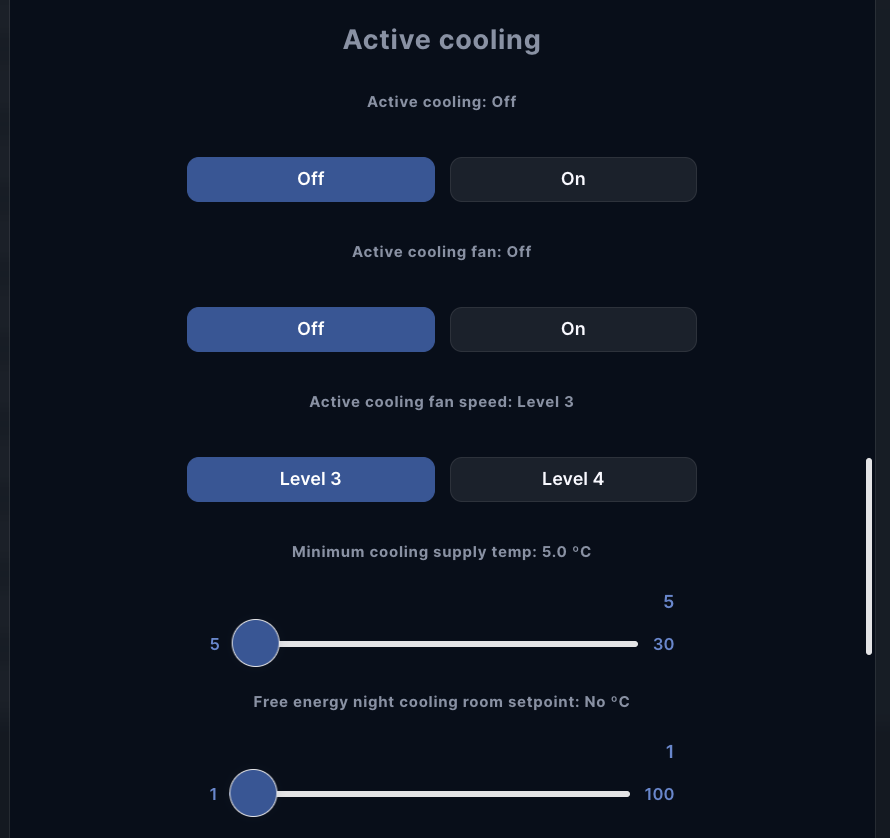
Active cooling
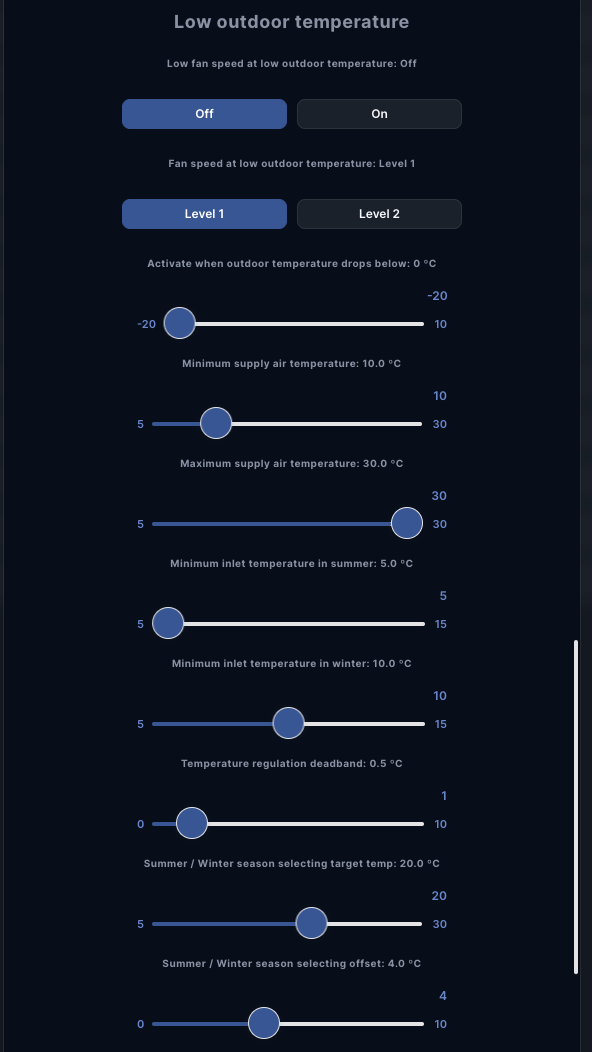
Low outdoor temperature
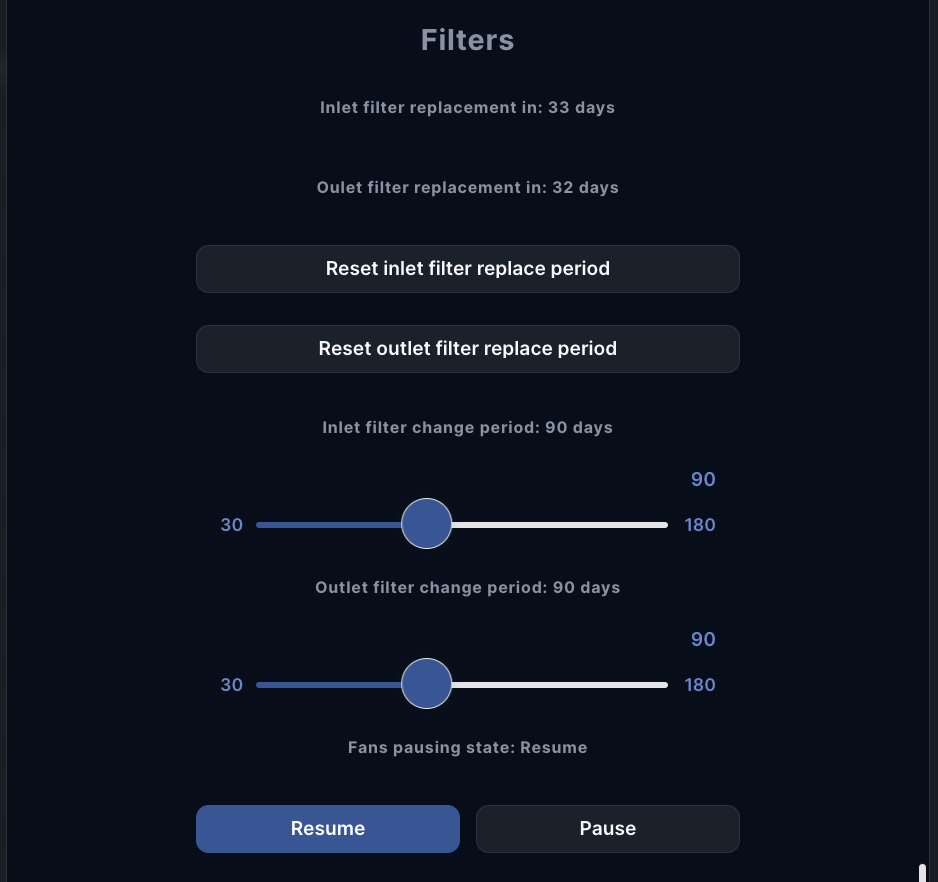
Filters
Status